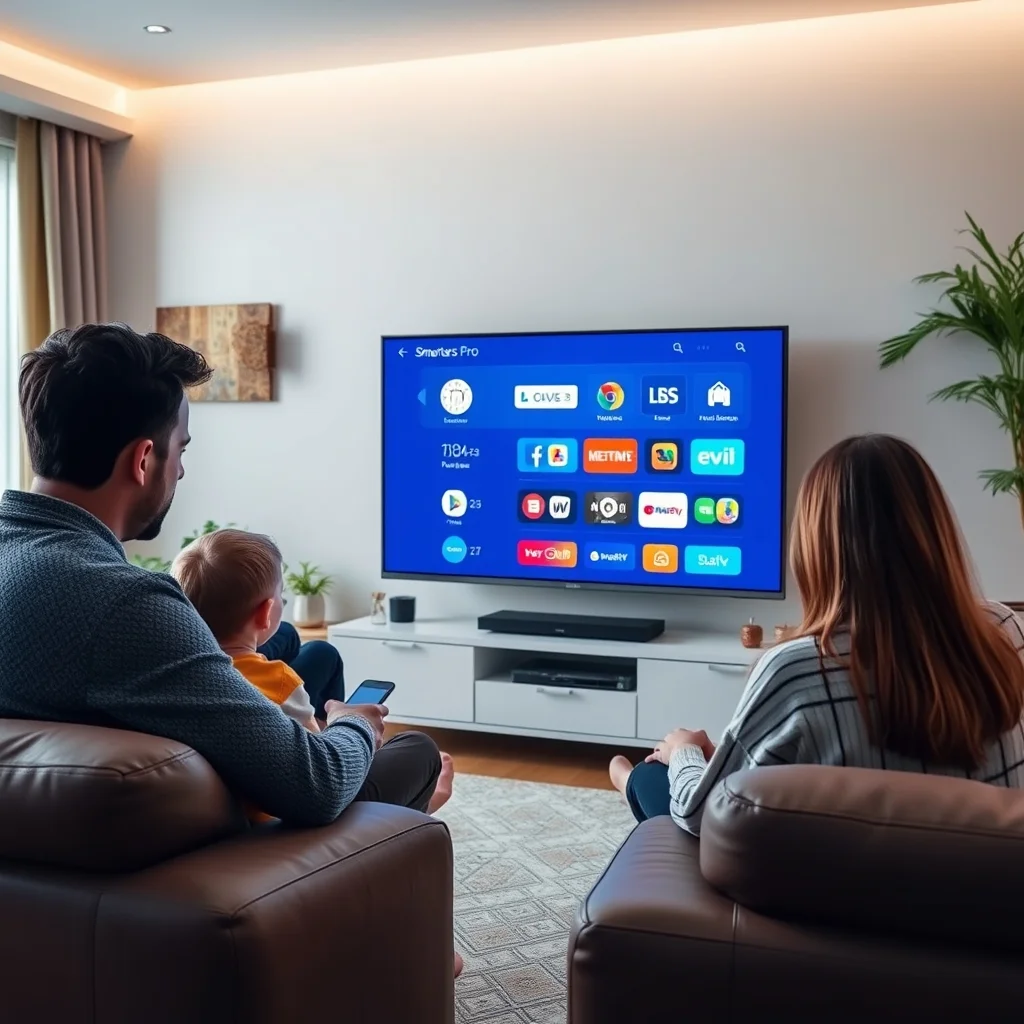
IPTV Smarters Pro is transforming how users access entertainment content around the world, offering a powerful solution for streaming live TV and on-demand video with remarkable flexibility and convenience. But how exactly does it work, and what do you need to know about its subscription plans? This article delves into everything you need to know about this streaming technology, along with its subscriptions, to help you make an informed decision.
According to a 2024 report by Grand View Research, the global IPTV market was valued at over USD 70 billion and is projected to grow at a compound annual growth rate of 18 percent through 2030. This explosive growth reflects a fundamental shift in how households consume television, moving away from traditional cable bundles toward flexible, internet-delivered streaming. IPTV Smarters Pro sits at the center of this shift, giving users a single, polished app to manage all their streaming in one place.
Table of Contents
What is IPTV Smarters Pro?
IPTV Smarters Pro is a free, versatile, and popular IPTV (Internet Protocol Television) application designed to work with a wide variety of streaming services. It serves as an interface for accessing live and on-demand content from various providers, offering a seamless and user-friendly way to view your favorite shows and networks. Unlike traditional cable or satellite services, IPTV delivers content through internet protocols, meaning your channels and movies travel over the same broadband connection you use for browsing and gaming. The Internet Society offers detailed background reading on how internet protocols underpin modern digital communication — useful context for anyone new to IPTV technology.
The app itself does not host any content. Instead, it acts as a player and organizer, connecting to whatever IPTV service you subscribe to and presenting that content in a clean, navigable interface. This distinction is important: the quality and legality of what you watch depends entirely on the provider you choose, not on the app itself.
How IPTV Differs from Traditional TV
To truly appreciate the value of the app, it helps to understand how IPTV differs from conventional broadcast methods. Traditional cable and satellite TV push a fixed schedule of channels to every subscriber simultaneously, whether anyone is watching or not. IPTV, by contrast, sends only the stream you request at the moment you request it, making far more efficient use of bandwidth and giving you on-demand control over your viewing. The Federal Communications Commission (FCC) provides a helpful consumer overview of broadband and streaming technologies that explains this difference in plain language.
This on-demand model also means IPTV services can offer far more content than a typical cable package, including international channels, niche sports, and regional programming that cable providers rarely carry.
Features Making IPTV Smarters Pro Stand Out
- User-Friendly Interface: Navigate through channels and shows with ease using an intuitive layout designed for both beginners and power users.
- Multi-Screen Options: Watch multiple streams at the same time, ideal for households where different family members want different content simultaneously.
- Catch-Up Functionality: Never miss your favorite programs. The catch-up feature stores recent broadcasts so you can watch them hours or even days after they aired.
- Support for Multiple Formats: Capable of handling diverse media formats including .ts, .mp4, .mkv, and .mov, ensuring compatibility with virtually any stream your provider delivers.
- Video on Demand (VOD): Access an extensive library of movies and series at your convenience, completely on your own schedule.
- Electronic Program Guide (EPG): A built-in program guide displays schedules for all your channels, so you always know what is on and what is coming up next.
- External Player Support: For streams that require specialized decoding, the app integrates smoothly with external players such as VLC Media Player and MX Player, giving advanced users extra flexibility.
Getting Started with IPTV Smarters Pro Subscription
Choosing the right subscription plan is crucial for maximizing your entertainment experience. A quality service provider like this can guide you on installation and offer great packages tailored to your needs.
Your entry into the streaming revolution begins with a valid subscription, which ensures you have continuous access to fresh and exciting content. Here is a quick guide to initiate the process.
Essentials for Installation
Before diving deep into installation, there are a few prerequisites for setting up the application:
- High-Speed Internet: A stable internet connection is essential for uninterrupted streaming. For HD content you need at least 10 Mbps, and for 4K streams you should aim for 25 Mbps or higher. You can test your current connection speed at Speedtest by Ookla to see whether your broadband is ready for high-definition IPTV.
- Compatible Device: Devices such as Android phones and tablets, iOS devices, Firestick, Nvidia Shield, and Smart TVs are all supported.
- Login Details: Subscription credentials (username, password) and the M3U or URL portal details provided by your IPTV service provider.
- Updated Operating System: Keeping your device OS up to date ensures the best performance and security. Android users should run Android 5.0 or later, while iOS users need iOS 13 or above.
Once you have all these, check our comprehensive setup guide here for smooth installation steps. Most compatible devices share straightforward installation processes that only differ slightly depending on the platform.
Understanding M3U Playlists and Xtream Codes
Most IPTV providers deliver access credentials in one of two formats: an M3U playlist URL or Xtream Codes API details. An M3U file is essentially a text-based list of stream URLs, while Xtream Codes is a more structured login system that allows the app to dynamically fetch your channel list, VOD library, and EPG from the server. Wikipedia’s technical overview of the M3U format is a clear reference for readers who want to understand what happens under the hood. The app supports both methods, making it compatible with the vast majority of providers on the market.
Subscription Plans: Which One is Right for You?
Understanding the different subscription plans is important to align with your viewing habits. Here is what to consider when selecting a plan:
- Price Point: Compare packages to find the best value for the number and type of channels offered. Monthly plans typically cost less upfront, while annual plans often deliver significant savings per month.
- Available Channels: Ensure access to the channels you love and need, including sports, entertainment, and niche interests. A good provider will offer thousands of live channels spanning multiple countries and languages.
- Number of Connections: Choose a plan based on how many devices you will want to connect simultaneously. Single-connection plans suit individuals, while family plans with three or more simultaneous connections are better for households.
- Content Library: Access to an ample Video on Demand library can enhance your subscription experience. Look for providers with regularly updated VOD sections that include new theatrical releases and classic titles.
- Server Reliability and Uptime: Ask potential providers about their server uptime guarantees. Reputable services aim for 99.9 percent uptime. Consumer review platforms like Trustpilot can help you gauge real user experiences before committing to a provider.
- Trial Periods: Many providers offer a 24 or 48-hour free trial. Always take advantage of these to test picture quality, buffering rates, and channel availability on your specific devices before purchasing a longer plan.

Understanding these aspects will help refine your choice and guarantee that your subscription perfectly matches your entertainment needs.
The Installation Process for IPTV Smarters Pro
Once you have selected a subscription plan, the installation process is simple and quick. Follow these steps for your device:
For Android Devices
- Open the Google Play Store on your Android phone, tablet, or TV.
- Search for IPTV Smarters Pro and tap Install.
- Open the app once installation completes.
- Tap Add User and choose your login method: Xtream Codes API or M3U URL.
- Enter the details provided by your IPTV service provider, including the server URL and your credentials.
- Tap Add User again to confirm, and your channel list will load automatically.
- Browse Live TV, VOD, or Series from the main menu and start watching.
For iOS Devices
- Open the Apple App Store on your iPhone or iPad.
- Search for IPTV Smarters Pro and tap Get to install it.
- Launch the app and tap Add New User.
- Select your preferred login method and enter your provider credentials.
- Log in using your IPTV service details and wait for your playlist to load.
- Enjoy streaming live channels and VODs directly from your Apple device.
For Amazon Firestick and Fire TV
- Press the Search icon on your Fire TV home screen.
- Type IPTV Smarters Pro and select it from the suggestions.
- Click Download and wait for the installation to finish.
- Open the app, add your provider credentials, and start streaming immediately. Amazon’s Fire TV support page offers additional guidance on sideloading apps if your preferred version is not listed in the Appstore.
For Smart TVs (Samsung and LG)
Smart TV installation varies by manufacturer. Samsung Tizen TVs and LG WebOS TVs may require sideloading the APK via a USB drive or enabling developer mode. Always refer to your TV manufacturer’s official support documentation for the safest installation method. Samsung’s developer documentation and the LG webOS developer portal are both authoritative starting points.
Optimizing Your Viewing Experience
Your experience with the platform can be elevated well beyond the default settings with a few deliberate adjustments:
- Adjust Stream Quality: Inside the player settings, you can lock the stream to a specific resolution. If your connection fluctuates, capping at 1080p instead of auto prevents the player from attempting 4K streams that may buffer on a slower line.
- Use a Wired Connection Where Possible: Wi-Fi introduces latency and packet loss that can cause buffering even on a fast plan. Connecting your streaming device directly to your router via Ethernet delivers a more stable experience, especially for live sports.
- Enable Hardware Acceleration: In the playback settings, enabling hardware decoding offloads video processing to your device’s GPU rather than its CPU, resulting in smoother playback and lower battery consumption on mobile devices.
- Parental Controls: For family sharing, adjust the PIN-lock settings to restrict age-sensitive content. This is especially important for households with younger children.
- Customize the Interface: Use themes and layout options to personalize your channel grid. Grouping channels into favorites and custom categories saves time every time you open the app.
- Keep the App Updated: Developers regularly release updates that fix bugs and improve compatibility with new stream formats. Google’s Play Store help center explains how to manage automatic app updates on Android devices.
Managing Buffering and Stream Quality
Buffering is the most common complaint among IPTV users, and in the vast majority of cases it is caused by one of three things: insufficient internet speed, server-side congestion on the provider’s end, or an overloaded home network. Here are targeted solutions for each scenario:
- Run a speed test at the moment buffering occurs. If your measured speed drops below 25 Mbps during peak hours, consider upgrading your broadband plan or contacting your ISP.
- Switch to a lower-resolution stream temporarily. Most providers offer both HD and SD versions of popular channels. Dropping to SD during peak congestion can eliminate buffering entirely while maintaining a watchable picture.
- Restart your router and streaming device. A simple reboot clears cached data and resets your network connection, resolving a surprising number of playback issues.
- Contact your IPTV provider. Reputable services have technical support channels where you can report persistent buffering, and they can move you to a less congested server.
Is IPTV Legal?
This is one of the most frequently asked questions in the streaming community, and the honest answer depends entirely on the provider. The app itself is completely legal in every jurisdiction. The legality question applies to whether your chosen service is licensed to stream content in your region. Legitimate IPTV services hold broadcast rights for the channels they carry, just like Netflix or Hulu. Unofficial or gray-market providers often redistribute copyrighted content without licenses, which creates legal risk for the subscriber.
The European Union Intellectual Property Office (EUIPO) and the U.S. Copyright Office both publish consumer guidance on digital content rights that is worth reading before you commit to a provider. Choosing a service that is transparent about its licensing and has verifiable customer reviews is always the safest approach.

Frequently Asked Questions
What devices support IPTV Smarters Pro?
The app supports a wide range of devices, including Android and iOS smartphones, Android TVs, Amazon Firesticks, Nvidia Shield, Windows PCs, and select Smart TVs. Always ensure your device meets your IPTV service provider’s minimum compatibility requirements.
Is IPTV Smarters Pro free?
The application can be downloaded for free from the Google Play Store and Apple App Store. However, you will need a paid subscription from an IPTV service provider to access live channels and VOD content. Free trials are available from some providers, but a paid subscription delivers continuous access to the full content library and premium features.
How do I troubleshoot streaming issues in IPTV Smarters Pro?
Start by checking your internet connection speed and ensuring it meets the minimum requirements for the resolution you are trying to stream. Next, check for app updates and verify that your subscription credentials are entered correctly. If issues persist, try switching to a different server or stream URL if your provider offers multiple options, or contact your provider’s support team directly.
Can I use the app with a VPN?
Yes. Many users combine the app with a VPN service to add a layer of privacy or to access geo-restricted content. If you choose to use a VPN, select a provider with servers close to your IPTV provider’s streaming servers to minimize added latency. PCMag’s regularly updated list of top-rated VPN services is a useful resource when evaluating options.
How many devices can I use simultaneously?
This depends entirely on your subscription plan. Most providers offer single, double, and multi-connection plans. Always check the simultaneous connections limit before purchasing, especially if multiple household members intend to stream at the same time.
In conclusion, this powerful streaming solution opens a window to new viewing possibilities, allowing users to experience a broad spectrum of entertainment with ease. The combination of a polished interface, wide device support, flexible subscription options, and compatibility with thousands of providers makes it one of the most capable IPTV players available today. By following the guidelines above and choosing a reputable, licensed provider, you can access and enjoy your favorite TV content seamlessly and confidently.