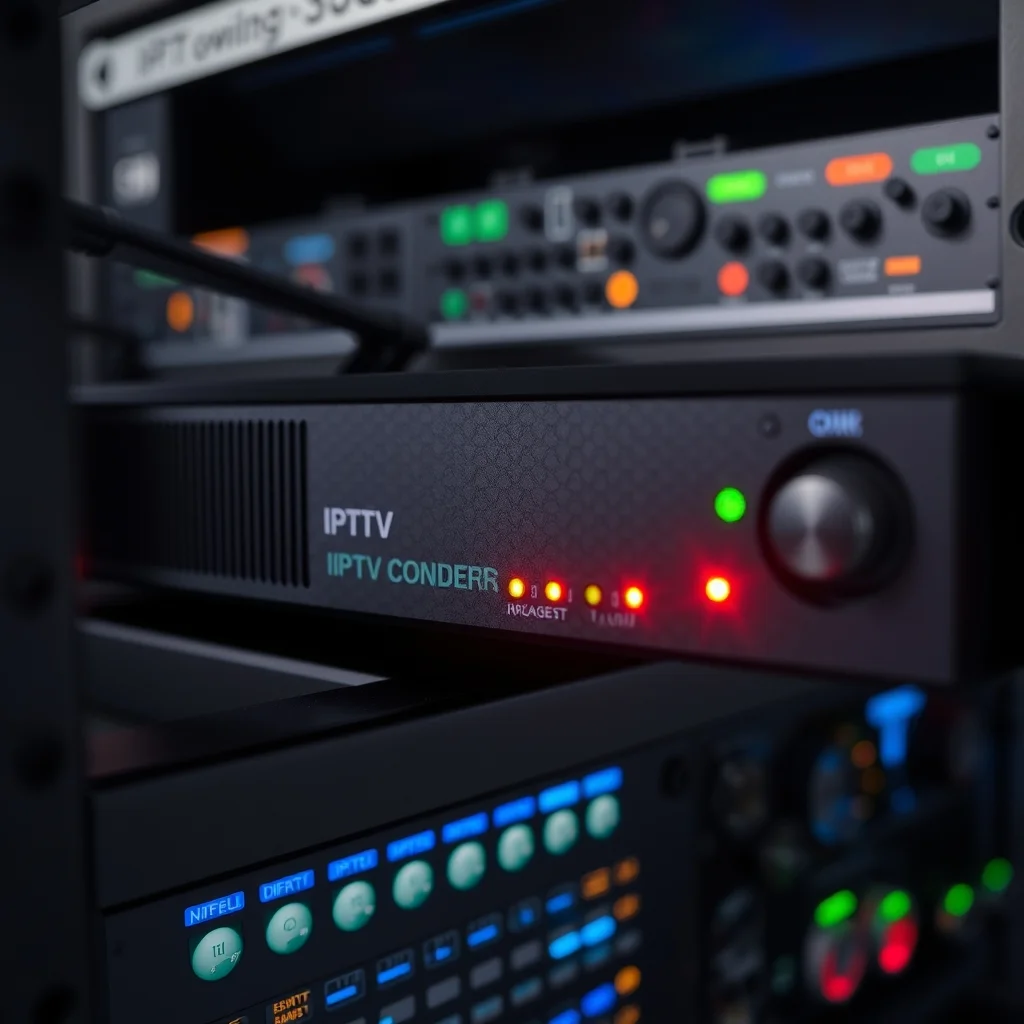
An iptv encoder is the unsung hero of modern video streaming, quietly converting raw audio and video signals into digital streams that can travel across IP networks to reach viewers anywhere in the world. Whether you run a hotel chain broadcasting live channels to guest rooms, a church streaming Sunday services, or a broadcaster delivering 24/7 content to thousands of subscribers, this small but mighty device sits at the heart of your delivery pipeline. Without it, your high-definition cameras, satellite receivers, and media players would have no way to talk to today’s smart TVs, set-top boxes, and mobile apps.
In this comprehensive guide, we’ll break down exactly what an IPTV encoder does, how it works, the key features to look for, and how to choose the right model for your specific use case. By the end, you’ll have everything you need to make an informed purchasing decision and deploy a stable, professional-grade streaming system.
Table of Contents
What Is an IPTV Encoder and How Does It Work?
An IPTV encoder is a hardware (or sometimes software) device that captures video and audio signals from sources like HDMI, SDI, VGA, or component inputs and compresses them into streaming protocols such as RTMP, RTSP, HLS, UDP, or SRT. These compressed streams are then transmitted over an IP network to be viewed by end users on virtually any connected device.
The compression process uses codecs like H.264 (AVC) or the more efficient H.265 (HEVC), which dramatically reduce file sizes without sacrificing visible quality. According to Wikipedia’s overview of HEVC, H.265 can deliver the same video quality as H.264 at roughly half the bitrate—a game-changer for bandwidth-constrained networks.
Here’s the basic workflow in plain English:
- Capture: The encoder receives raw video from a camera, mixer, or media source.
- Compress: It encodes the signal using a chosen codec and bitrate.
- Package: The data is wrapped in a streaming protocol.
- Transmit: The stream is pushed to a server, CDN, or directly to viewers.
Why You Need a Dedicated IPTV Encoder Box
Many beginners try to use software encoders running on a laptop, and while that can work for casual streaming, a dedicated iptv encoder box offers serious advantages for any professional deployment. Hardware encoders are purpose-built, meaning they don’t share resources with an operating system, browser, or other applications.
This translates to:
- Rock-solid stability — designed to run 24/7 without crashes.
- Lower latency — optimized chips handle compression faster.
- Better video quality at lower bitrates.
- No software updates breaking your stream mid-broadcast.
- Lower power consumption compared to a full PC.
For mission-critical applications—think live sports, hospital information channels, or paid subscription services—a hardware iptv encoder box is the only sensible choice. The cost of downtime far outweighs the upfront investment.
Key Features to Look For in an IPTV Encoder
Not all encoders are created equal. Before you spend a single dollar, make sure your shortlist checks these critical boxes.
1. Input Types and Channel Density
Decide how many channels you need to encode simultaneously. Single-channel models are perfect for a small church or classroom. Multi-channel units (4, 8, 16, or even 24 channels) suit hotels, stadiums, and broadcast facilities.
Also check input types: HDMI is most common, but professional environments often require SDI for longer cable runs and locking connectors.
2. Supported Codecs and Protocols
Look for support for both H.264 and H.265, since H.265 is rapidly becoming the standard. On the protocol side, the more the better—HLS, RTMP, RTSP, UDP unicast/multicast, SRT, and ONVIF compatibility give you maximum flexibility.
3. Resolution and Frame Rate
Make sure the iptv encoder supports the resolutions you actually broadcast. Full HD 1080p60 is the minimum baseline today, while 4K UHD encoders are increasingly affordable for premium content.
4. Bitrate Control
Variable bitrate (VBR) and constant bitrate (CBR) options let you balance quality against bandwidth. Adaptive bitrate (ABR) is essential if you serve viewers on varying connection speeds.
5. Management Interface
A clean web-based GUI, SNMP monitoring, and remote API access can save countless hours of on-site troubleshooting.
Top Use Cases for IPTV Encoders in 2024
The versatility of modern encoders means they pop up in industries you might never expect. Here are the most common deployments we see.
Hospitality and Hotels
Hotels use IPTV systems to deliver dozens of live TV channels, on-demand movies, and custom welcome screens to every guest room over the existing Ethernet network. A single encoder rack replaces hundreds of individual satellite or cable boxes, saving thousands in equipment and licensing fees.
Houses of Worship
Churches, mosques, and temples use compact encoders to live-stream services to overflow rooms, mobile apps, and social media platforms simultaneously. Many congregations have reported significant attendance growth after adding professional streaming—a trend Forbes has covered extensively in its coverage of the digital transformation of religious organizations.
Education and Corporate Training
Universities broadcast lectures across campus and to remote students, while corporations use encoders for internal town halls, executive briefings, and global training events.
Live Sports and Events
From local high school football games to professional leagues, encoders deliver low-latency video to streaming platforms, scoreboards, and broadcast partners. SRT protocol support has made unreliable internet links a non-issue.
Healthcare
Hospitals run internal information channels, patient education videos, and remote consultation feeds—all powered by IP-based encoding infrastructure.
Broadcast and OTT Services
Traditional broadcasters and over-the-top streaming providers rely on rack-mounted encoders to feed their CDN origin servers with reliable, professional streams 24/7.
Hardware vs. Software IPTV Encoder: Which Is Right for You?
This is one of the most common questions we get. The honest answer is: it depends on your scale, budget, and reliability needs.
Software encoders (like OBS Studio, vMix, or Wirecast) are flexible, affordable, and great for solo creators or low-stakes streams. You install them on a powerful PC and stream away.
Hardware encoders are dedicated appliances. They cost more upfront but pay dividends in reliability, lower latency, and reduced operational overhead. If you’re running anything monetized, mission-critical, or 24/7, hardware wins every time.
For a deeper technical comparison of streaming protocols and encoding strategies, the Wikipedia entry on IPTV offers an excellent neutral overview that’s worth bookmarking.
How to Set Up an IPTV Encoder: Step-by-Step
Setting up your first encoder may feel intimidating, but the process is surprisingly straightforward once you know the sequence.
Step 1: Physical Connections
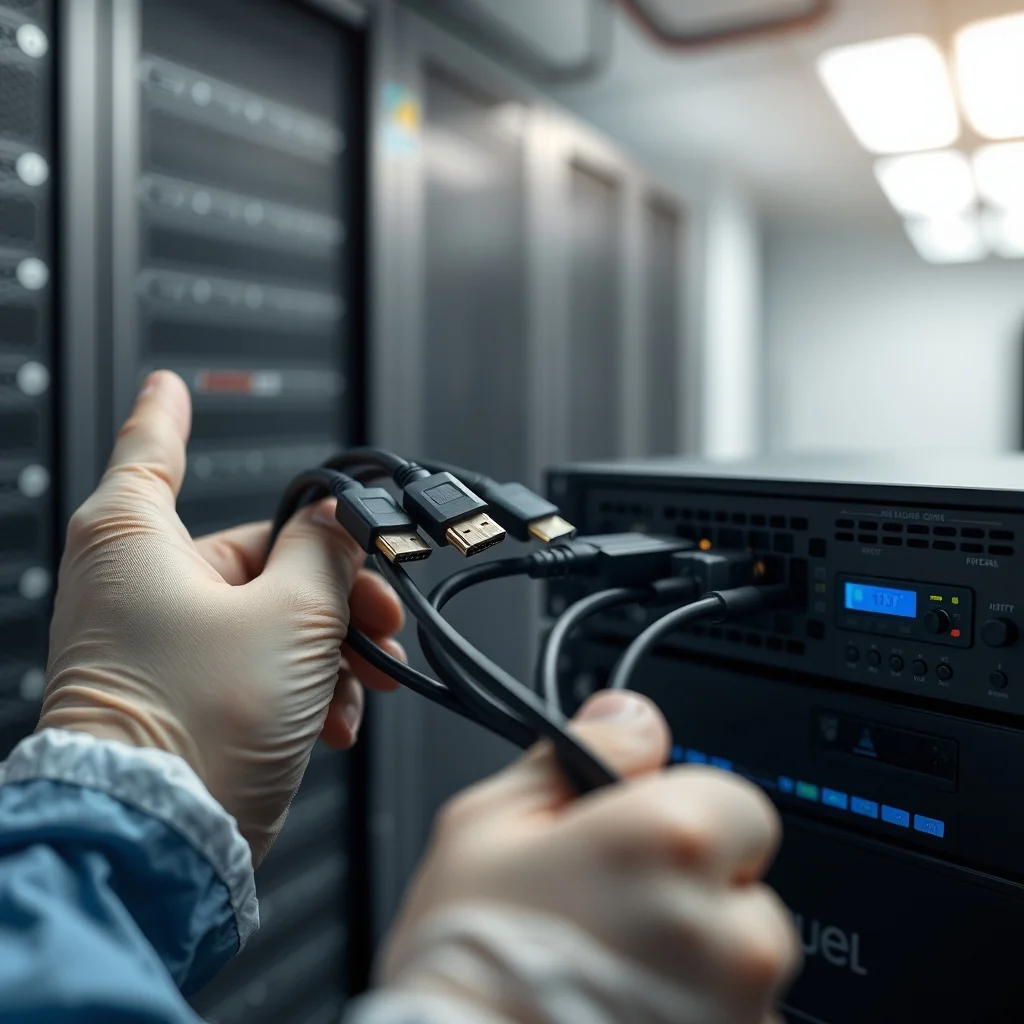
Mount the unit in a well-ventilated rack or on a sturdy shelf. Connect:
- Video source via HDMI or SDI.
- Ethernet cable to your local network switch.
- Power supply to a UPS (uninterruptible power supply) for protection.
Step 2: Network Configuration
Access the encoder’s web GUI via its default IP address. Assign a static IP within your subnet, set the gateway, and configure DNS if you’re streaming to external servers.
Step 3: Configure the Encoding Profile
Select your codec (H.264 or H.265), resolution, frame rate, bitrate, and audio settings. A good starting point for 1080p30 is around 4-6 Mbps with H.264 or 2-3 Mbps with H.265.
Step 4: Choose Your Output Protocol
If you’re feeding a local IPTV middleware, UDP multicast is efficient. For internet distribution, RTMP to your CDN or SRT to a relay server are excellent choices.
Step 5: Test, Test, Test
Before going live, run the stream for at least an hour. Monitor CPU temperature, packet loss, and visual quality. Have a colleague view the stream from outside your network to confirm everything works.
For a more in-depth walkthrough specific to commercial deployments, check our internal guide on professional live streaming workflows which covers redundancy, failover, and monitoring best practices.
Common Mistakes to Avoid
Even seasoned engineers make these mistakes, so pay close attention.
- Underestimating bandwidth needs: Always calculate upload bandwidth × number of streams × overhead (about 20%).
- Skipping the UPS: A two-second power blip can crash your stream and corrupt configurations.
- Using consumer-grade switches: Multicast traffic needs IGMP snooping support, which cheap switches often lack.
- Ignoring firmware updates: Manufacturers regularly patch security holes and add codec improvements.
- Setting bitrate too high or too low: Too high wastes bandwidth; too low destroys visual quality. Test with your actual content.
Pricing: What Should You Expect to Pay?
IPTV encoder pricing varies wildly based on features and channel count. Here’s a rough guide for 2024:
- Single-channel HDMI encoder: $150 – $500
- Single-channel SDI encoder: $400 – $1,200
- 4-channel professional unit: $800 – $2,500
- 8-16 channel broadcast encoder: $2,500 – $8,000
- 4K HEVC enterprise encoder: $1,500 – $6,000 per channel
Remember, you’re not just paying for the hardware—you’re paying for the manufacturer’s firmware updates, technical support, and long-term reliability. The cheapest option often becomes the most expensive once you factor in downtime and replacement costs.
Future Trends: Where IPTV Encoding Is Headed
The encoding industry is moving fast, and a few trends will define the next few years.
AV1 Codec Adoption
AV1 promises another 30% bandwidth reduction over H.265, and major hardware encoders are beginning to ship with AV1 support. Expect this to become mainstream by 2026.
Cloud-Native Encoding
Hybrid setups where on-premise encoders feed cloud transcoders for adaptive bitrate ladders are now standard for OTT services.
AI-Powered Optimization
Machine learning is being used to optimize bitrate allocation scene-by-scene, delivering better quality without increasing total bandwidth.
SRT and Low-Latency Protocols
The SRT protocol continues to gain traction for contribution feeds because it tolerates unreliable internet far better than RTMP. Many newer encoders ship with SRT as a primary option.
Choosing the Right IPTV Encoder for Your Project
To wrap things up, here’s a quick decision framework:
- If you’re streaming one source occasionally: Start with a single-channel HDMI hardware encoder around $300.
- If you run a hotel or hospital: Multi-channel rack-mounted units with multicast support are essential.
- If you’re a broadcaster or OTT operator: Invest in H.265 4K-capable encoders with SRT and dual power supplies.
- If reliability is non-negotiable: Always buy from a vendor with strong firmware update history and responsive support.
The right iptv encoder transforms your video production from a fragile, makeshift setup into a professional, scalable system that just works. Take your time, ask vendors for trial units, and don’t be afraid to invest a little more upfront for peace of mind down the road.
Frequently Asked Questions
What is the difference between an IPTV encoder and a streaming encoder?
The terms are often used interchangeably, but there’s a subtle distinction. An IPTV encoder is typically optimized for delivery over managed IP networks (like a hotel LAN) using protocols such as UDP multicast and RTSP. A streaming encoder, on the other hand, usually targets public internet delivery via RTMP, HLS, or SRT to platforms like YouTube, Facebook, or a CDN. Many modern encoders support both use cases in one device.
Can I use an IPTV encoder box without internet access?
Absolutely. One of the biggest advantages of an iptv encoder box is its ability to operate entirely on a closed local network. Hotels, hospitals, ships, and corporate campuses regularly run IPTV systems with zero internet dependency—the encoder pushes streams to a local server or directly to set-top boxes within the same network. You only need internet if you’re broadcasting to external viewers or cloud platforms.
How much bandwidth do I need per channel?
Bandwidth requirements depend on resolution, frame rate, codec, and content complexity. As a general guideline: 720p H.264 needs 2-3 Mbps, 1080p H.264 needs 4-6 Mbps, 1080p H.265 needs 2-3 Mbps, and 4K H.265 needs 8-15 Mbps. Always add roughly 20% headroom for network overhead and traffic spikes. For multi-channel deployments, multiply these numbers and ensure your switches and routers can handle the total throughput.
Do IPTV encoders support DRM and content protection?
Higher-end encoders support various content protection schemes including AES-128 encryption for HLS, Verimatrix, Widevine, and PlayReady DRM integration. If you’re distributing premium or copyrighted content, confirm DRM compatibility with your middleware vendor before purchasing. Budget encoders typically don’t include DRM, which is fine for internal corporate or educational use but inadequate for commercial subscription services.
How long does an IPTV encoder typically last?
A well-built hardware encoder from a reputable manufacturer should run reliably for 5-7 years, with many units in the field still going strong after a decade. The main factors affecting lifespan are heat (keep them in cool, ventilated environments), power quality (always use a UPS), and firmware support from the manufacturer. After about 5 years, you may want to upgrade simply to take advantage of newer codecs like H.265 or AV1 that significantly reduce bandwidth costs.
Can one encoder stream to multiple destinations simultaneously?
Yes, most modern encoders support simultaneous output to multiple destinations and protocols from a single input. For example, you can send the same source to a local IPTV middleware via UDP multicast, to YouTube via RTMP, and to a backup recording server via SRT—all at the same time. This multi-streaming capability is particularly valuable for churches and events that want to reach both on-site IPTV systems and online audiences without additional hardware.